
Additional Costs & Surcharge Costs
Configure what Envia pays for optional additional services and mandatory additional charges — the cost layer, not the selling price.
Distinct from Additional Services & Charges
Additional Services & Charges is what clients are billed. This page is the carrier cost of those add-ons. Changing a cost here does not by itself change the client surcharge; it changes Envia's margin on that add-on.
What You Can Do
- List additional-service costs and surcharge costs for the current service
- Add or edit a cost (flat, highest of flat or %, or range plans)
- Toggle a cost active / inactive
- Bulk-upload flat costs from Excel (preview then apply)
Getting There
- Open a service from Paqueterías:
/carriers/:id/service/:service - Click the Additional Costs pill (last pill). The card contains two stacked tables:
- Additional service costs
- Surcharge costs
Requires plans-menu to view and manage-service-costs to add, edit, toggle, or upload.
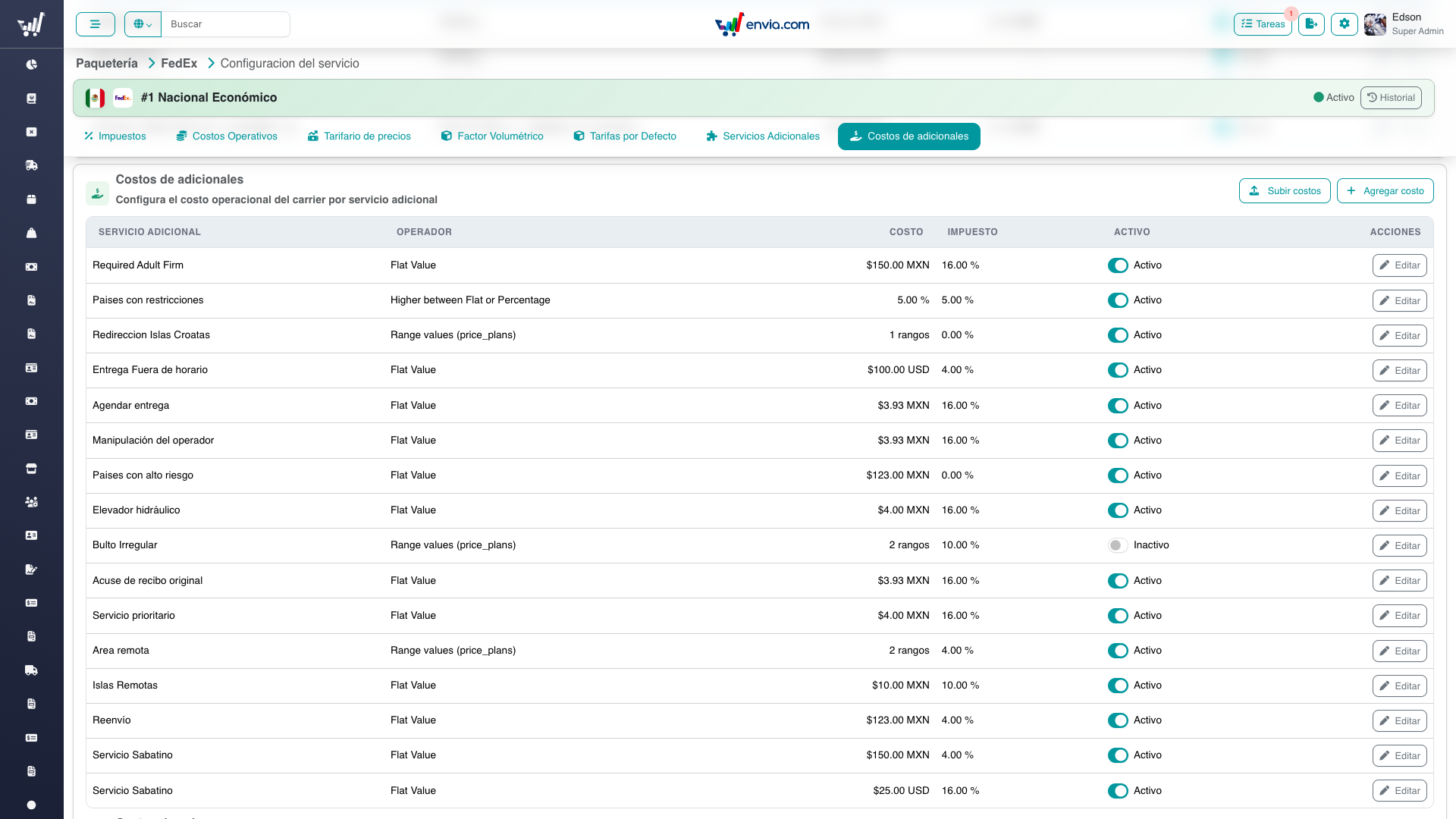
Additional-service costs: operator, amount, tax, active toggle, and Subir costos / Agregar costo.
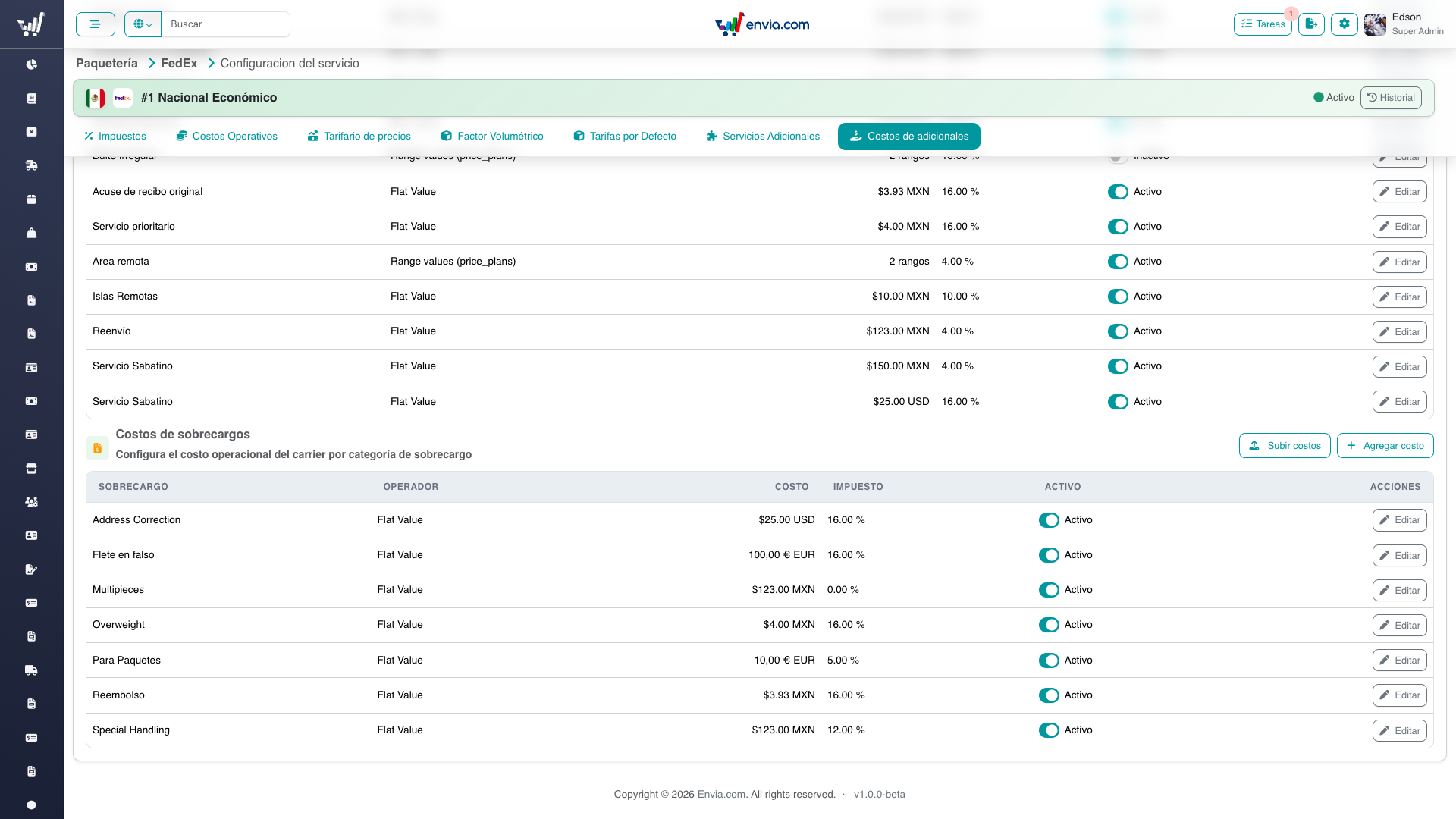
Surcharge costs: the same table layout for surcharge categories.
Operators
Only three cost operators are allowed (ADDITIONAL_COST_OPERATOR_IDS):
| ID | Meaning |
|---|---|
| 1 | Flat amount |
| 3 | Highest of flat or percentage (needs minimum_amount) |
| 4 | Range price plans (evaluation_unit: weight, zone, or volumetric_weight) |
Range rows themselves only use operators 1 or 3.
Common Tasks
Adding a cost
- Click Add on Additional Costs or Surcharge Costs.
- Pick the catalog additional service or surcharge, operator, amounts, VAT, fuel flag, locale.
- For operator 4, fill plan definition rows.
- Save.
Bulk upload (flat only)
- Download the template from the upload modal.
- Columns:
- Additional:
additional_service_id,cost_model,cost, optionaltax_percentage,fuel,locale_id - Surcharge:
surcharge_idinstead ofadditional_service_id
- Additional:
- Preview, then apply. Default tax if omitted: 16%.
Permissions
| Permission | Access |
|---|---|
plans-menu | List costs |
manage-service-costs | Create, update, toggle, bulk preview/apply |
Related
- Additional Services & Charges — client-facing add-on prices
- Pricing & Costs — zone × weight cost and price matrices
- Service Configuration — all pills
- Technical — API and UI